2FA Authenticator Authy Verify
Publisher Description

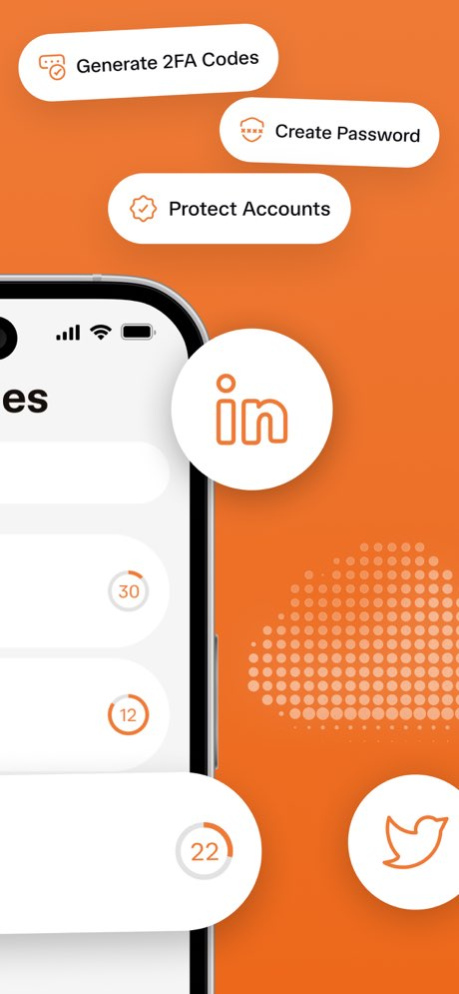


Authentication App 2FA Verify: Your Digital Vault and Keymaster.
In today's interconnected world, your password is no longer enough.
Protect your digital life with Authentication App 2FA Verify, the intelligent security solution that adds a powerful, unbreachable layer to your online accounts.
We transform your device into a personal command center, ensuring your data remains yours and yours alone.
Why Choose Our 2FA Authenticator?
1. Beyond the Password: Go beyond simple login credentials. We generate unique, one-time codes that serve as a second key, ensuring your accounts are safe even if your password is stolen.
2. Multi-Layered Defense: For your most sensitive accounts, leverage full Multi-Factor Authentication (MFA) support to build a security protocol with multiple verification steps.
3.Universal Protocol Support: Our app seamlessly works with both TOTP (Time-Based) and HOTP (Counter-Based) standards, making it compatible with thousands of services, from email and social media to banks and crypto exchanges.
- Core Features Designed for Your Security
Robust Two-Factor & Multi-Factor Authentication:
Boost your account security significantly. By requiring a dynamically generated code in addition to your password, we lock out unauthorized users effectively.
- TOTP & HOTP Compatibility
Secure virtually any online service. Whether a platform uses time-sensitive (TOTP) or event-driven (HOTP) codes, our app is equipped to handle it, providing a unified security hub.
- Encrypted Backup & Restore
Never lose access to your secured accounts.
Our secure, encrypted backup function allows you to save your authentication data safely.
Transfer everything seamlessly to a new device without the fear of being locked out.
-Fortified Encrypted Vault
All your sensitive information - secret keys, account details, and backups - is stored locally on your device using advanced encryption.
We never have access to your data; you remain in complete control.
- Intuitive & User-Friendly Design
Experience powerful security without the complexity.
We've designed a clean, intuitive interface that makes setting up and managing your 2FA tokens a simple, straightforward process for everyone.
We believe that top-tier security should be accessible to all.
Authentication App 2FA Verify is built on this principle, combining enterprise-grade encryption with a design that is a pleasure to use. It's more than an app; it’s your essential partner in building a safer digital existence.
Subscription Terms:
- Your iTunes account will be charged when you confirm your purchase.
- To avoid future charges, please disable auto-renewal at least 24 hours before your subscription period ends. Otherwise, your subscription will continue automatically.
- You can review, change, or cancel your subscription at any time through your Account Settings.
Terms of Use: https://www.apple.com/legal/internet-services/itunes/dev/stdeula/
About 2FA Authenticator Authy Verify
The company that develops 2FA Authenticator Authy Verify is Emmitt Donnelly. The latest version released by its developer is 1.0 .
To install 2FA Authenticator Authy Verify on your iOS device, just click the green Continue To App button above to start the installation process. The app is listed on our website since 2026-10-14 and was downloaded 0 times. We have already checked if the download link is safe, however for your own protection we recommend that you scan the downloaded app with your antivirus. Your antivirus may detect the 2FA Authenticator Authy Verify as malware if the download link is broken.
How to install 2FA Authenticator Authy Verify on your iOS device:
- Click on the Continue To App button on our website. This will redirect you to the App Store.
- Once the 2FA Authenticator Authy Verify is shown in the iTunes listing of your iOS device, you can start its download and installation. Tap on the GET button to the right of the app to start downloading it.
- If you are not logged-in the iOS appstore app, you'll be prompted for your your Apple ID and/or password.
- After 2FA Authenticator Authy Verify is downloaded, you'll see an INSTALL button to the right. Tap on it to start the actual installation of the iOS app.
- Once installation is finished you can tap on the OPEN button to start it. Its icon will also be added to your device home screen.
